
What Really Happens When You Make a Call or Use Data on Your Phone?
You’re travelling on a bus, scrolling through Instagram. Everything is smooth. Videos load instantly.
Suddenly, your phone rings. You answer the call. After a few minutes, you hang up and go back… but now everything feels slow. Videos keep buffering.
Why did your internet suddenly become slow — even though it was working perfectly just a moment ago?
And how does your phone stay connected while you’re moving? How do calls, messages, and data all work together without you noticing?
These everyday moments actually reveal how mobile networks really work behind the scenes.
In this article, we’ll break it down — from how your phone connects to a tower, to what happens during calls, movement, and why your connection sometimes slows down.
Basics of Cellular Communication
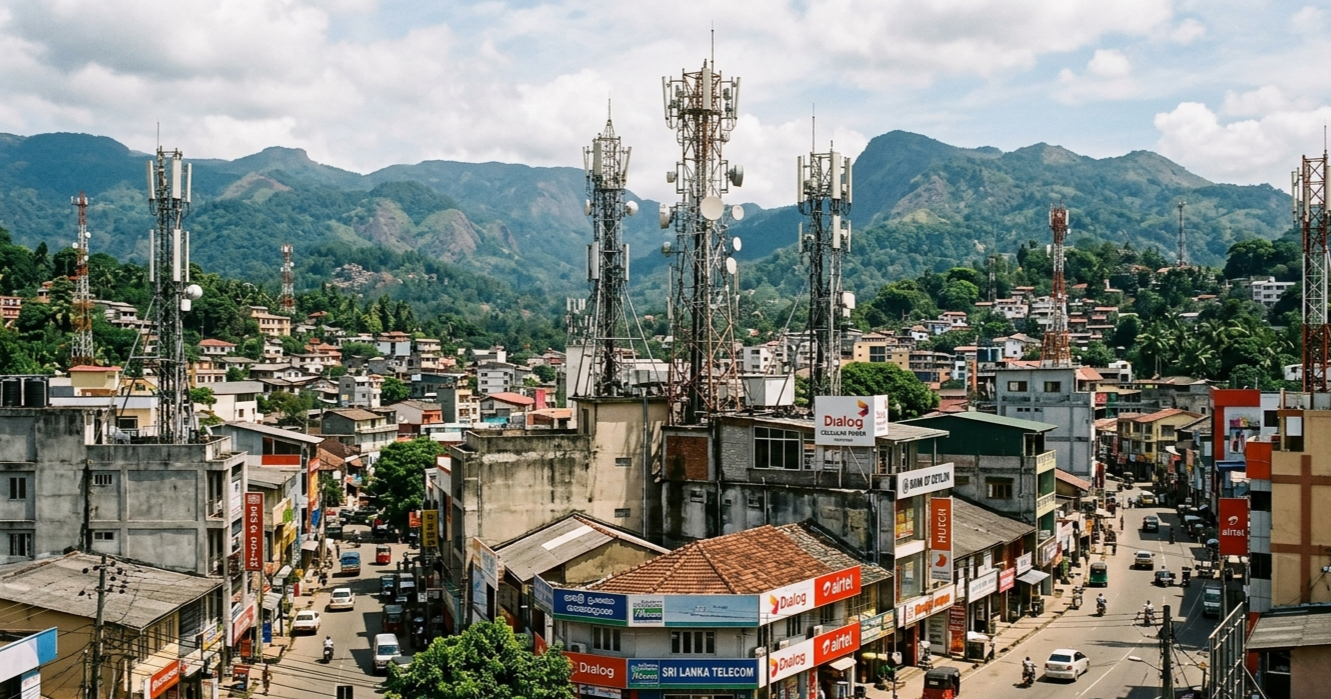
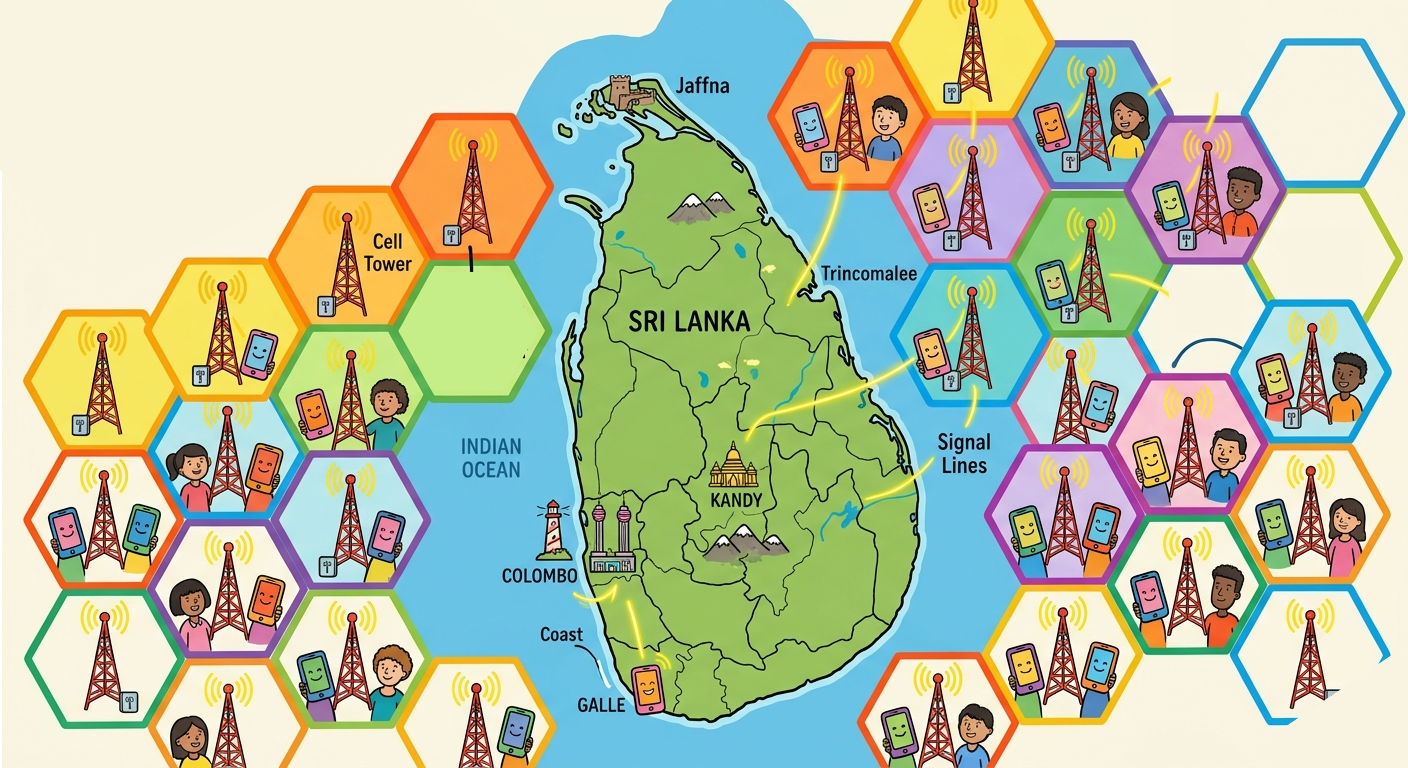
Imagine the entire mobile network like a giant honeycomb covering the country. Each small section is called a cell, and each cell is managed by a tower.
These towers are responsible for handling:
- Phone calls
- Text messages
- Internet data
One tower cannot cover a large area because signals become weaker as distance increases. That’s why mobile companies build many towers across cities and rural areas.
Your phone always connects to the nearest or strongest tower available. When you see signal bars on your phone, it simply means your phone has a stable communication link with a nearby tower.
How Your Phone Connects to the Network
The moment you turn on your phone, a quick process starts in the background.
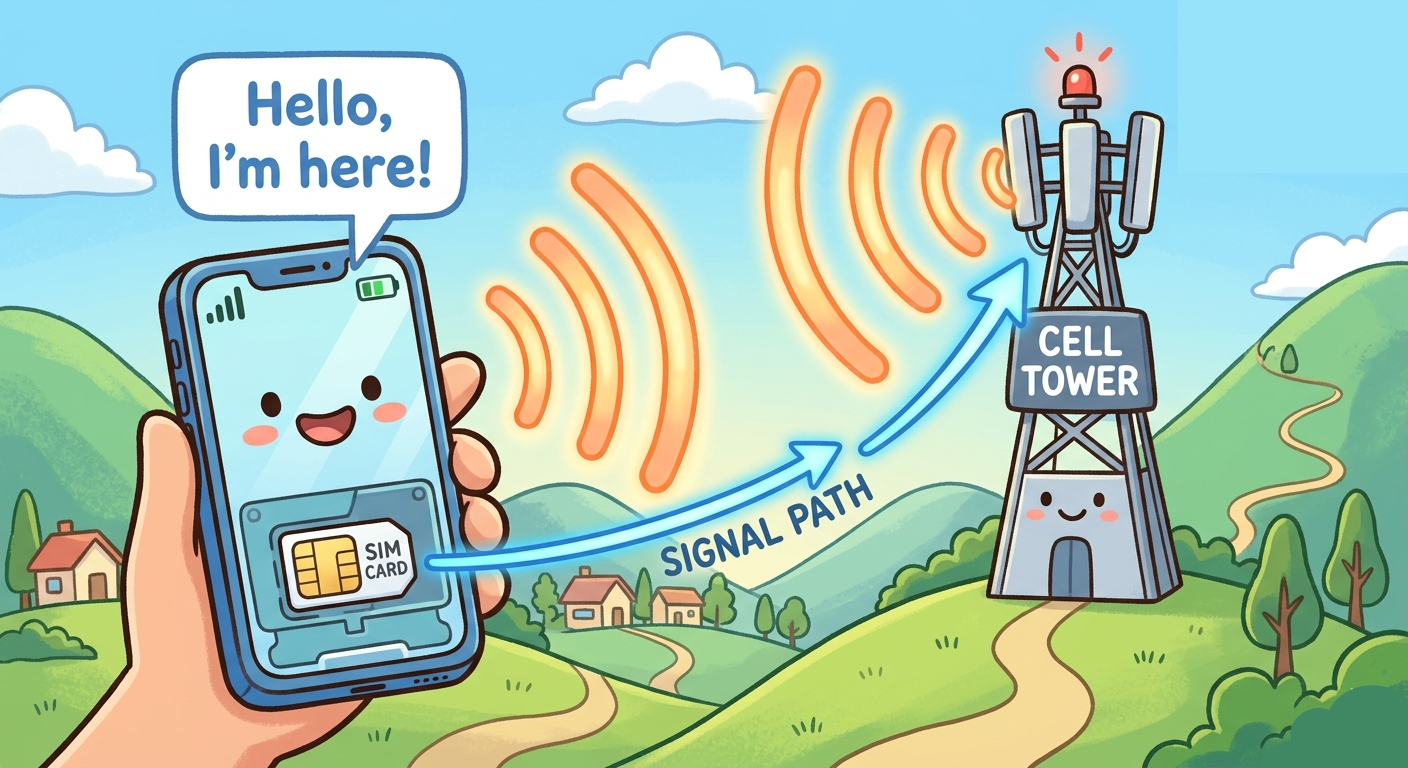
Your SIM card works like your identity card. It contains information about your phone number and your mobile network provider.
Your phone searches for nearby towers and selects one with a strong signal. Then it sends a message like:
“Hello, I am here. This is my identity.”
The network checks your SIM details and confirms that your connection is valid. Once approved, your phone becomes part of the network.
The system also keeps track of your general location (not exact GPS location, but area-level tracking). This helps the network find your phone quickly when needed.
All of this happens within seconds.
What Happens When a Call or Message Comes
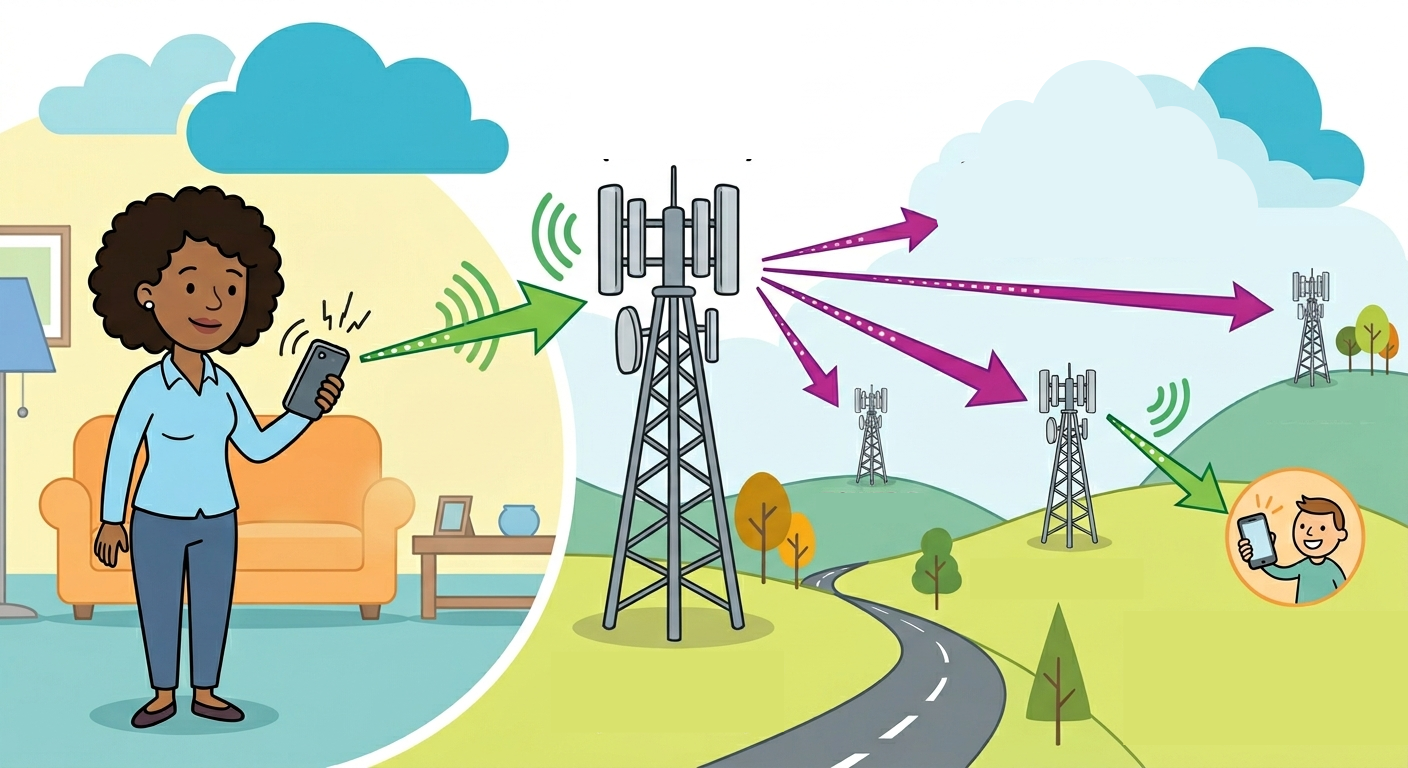
When someone calls your number, the network needs to find your phone first.
It doesn’t know your exact position, but it knows your last known area. So it sends a signal to towers in that area asking:
“Is this phone here?”
This process is called paging.
Your phone responds, and once the network confirms your location, it sets up a connection path for the call so your voice can travel smoothly.
For messages, the process is simpler. Messages are sent as small data packets and can even be delivered later if your phone was switched off.
What Happens When You Travel
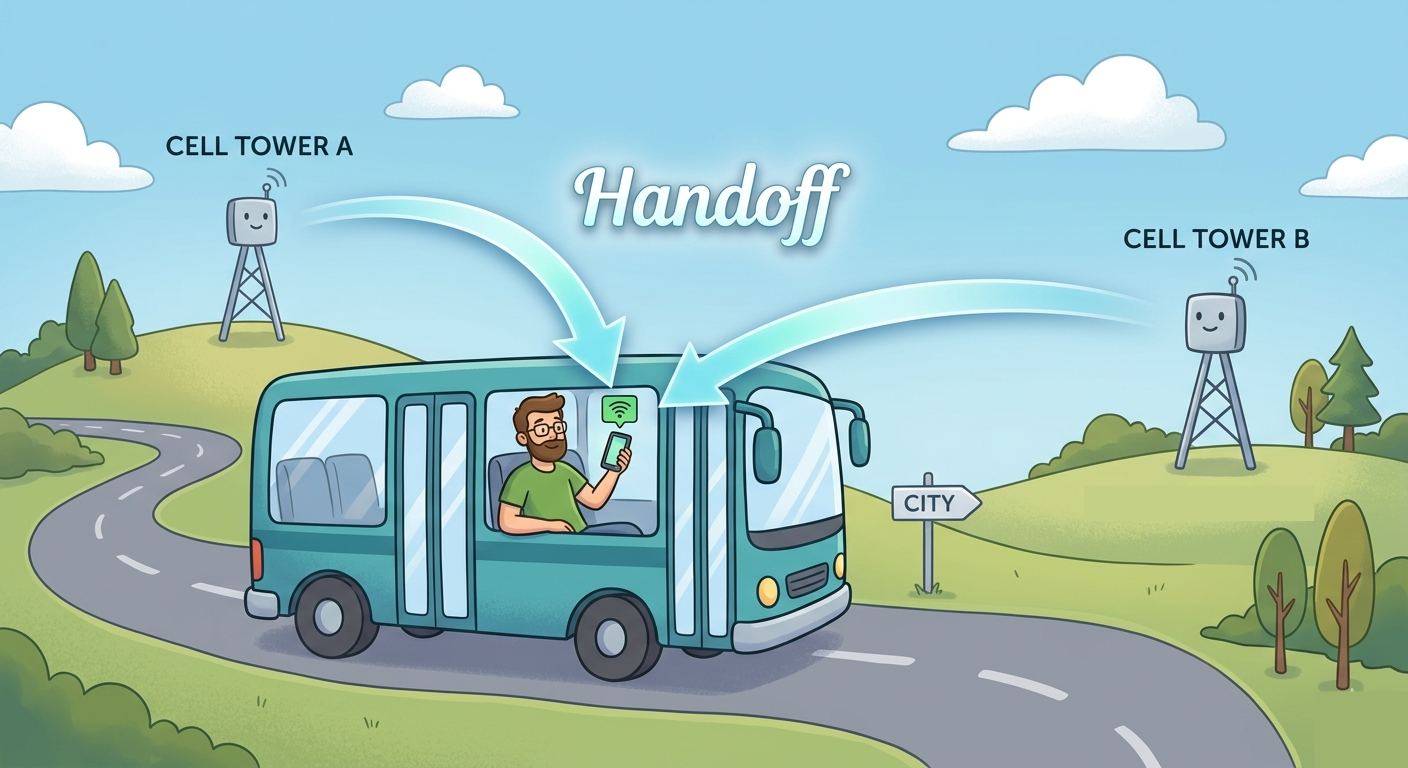
When you are moving — like in a bus or train — your phone is constantly checking signal strength.
As you move away from one tower, the signal becomes weaker. At the same time, your phone detects signals from nearby towers.
The network then smoothly transfers your connection to a stronger tower. This process is called Handoff (Handover).
It happens very quickly and automatically. That’s why:
- Calls usually don’t drop
- Internet continues working
It’s like switching lanes on a highway without stopping.
Data vs Calls vs Messages
Modern mobile networks are advanced, but some limitations still exist.
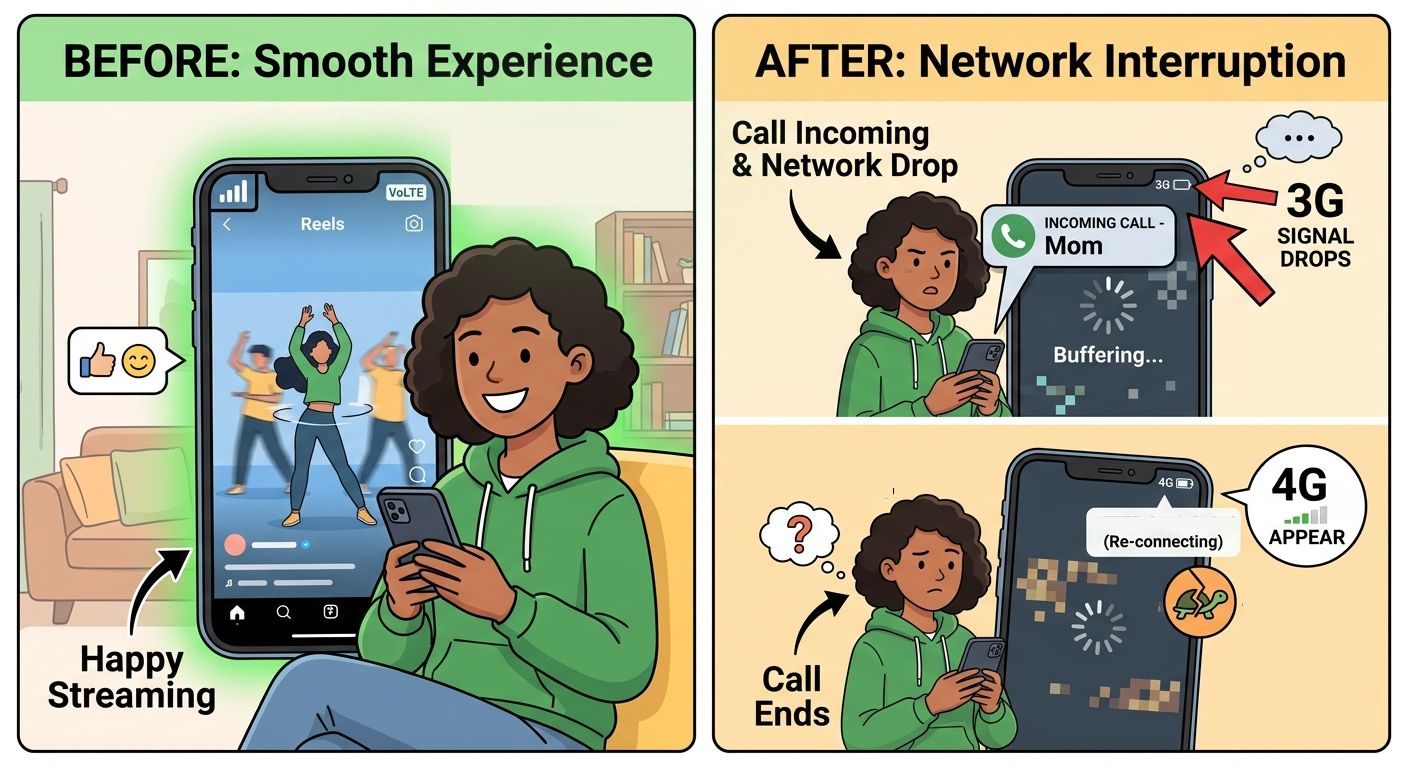
Technologies like VoLTE (Voice over LTE) allow voice calls and internet data to work together on fast 4G networks. This gives better call quality and allows you to use data during calls.
However, in many real-world situations:
- You are watching videos or scrolling
- A call comes in
- Your phone switches from 4G → 3G or 2G
During the call:
- Your internet becomes very slow or may stop
After the call:
- Your phone tries to return to 4G
- This switch may take a few seconds
During this time, your connection may feel slow or unstable.
That’s why videos that were working smoothly before the call suddenly start buffering after you hang up.
Flight Mode — What It Really Does
Flight mode is a simple but powerful feature on your phone.
When you turn it on, it disables all wireless communication:
- Mobile network
- WiFi
- Bluetooth
Your phone completely stops sending and receiving signals.
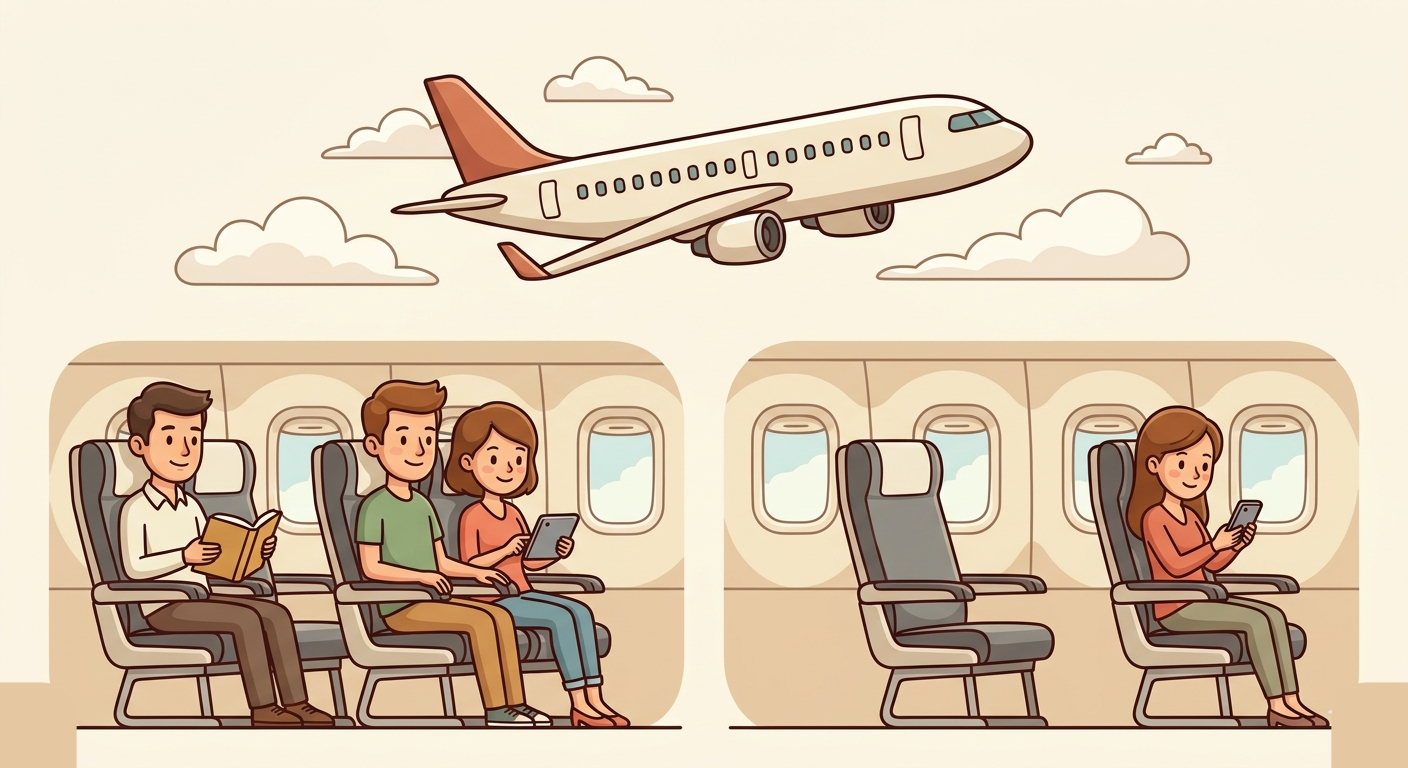
This feature was originally introduced to avoid possible interference with aircraft systems during flights. Even today, it is used as a safety measure, especially during takeoff and landing.
Why Flight Mode Can Fix Slow Data ?
Sometimes your connection may become weak, unstable, or “stuck” in a poor state.
When you turn on flight mode:
- Your phone disconnects completely from the network
When you turn it off:
- Your phone reconnects from scratch
- It searches for the best available tower again
This is similar to restarting your internet connection.
After reconnecting, your phone may:
- Get a better signal
- Connect to a less congested tower
- Experience improved speed
This is why many people use flight mode as a quick fix when their data feels slow.
Evolution of Cellular Generations
Mobile networks have improved step by step over time:
- 2G → Introduced digital calls and SMS
- 3G → Enabled basic internet and media sharing
- 4G → Brought fast internet, video streaming, and modern apps
- 5G → Offers very high speeds, low delay, and supports many devices at once
Your phone automatically switches to the best available network depending on your location and signal strength.
Conclusion
Every time you make a call, send a message, or watch a video, a powerful system is working quietly behind the scenes.
Your SIM identifies you, towers manage your connection, and the network continuously adjusts to keep everything running.
Sometimes your connection becomes slow — especially after calls or in crowded areas. This is part of how the system manages limited resources across many users.
Now, when your internet slows down or videos start buffering, you won’t feel confused. You’ll understand what is happening behind the scenes.
Your phone may look simple — but it is doing a lot of smart work every single second.
This article was also published on my personal blog on Medium https://medium.com/@aathifmohammed/what-really-happens-when-you-make-a-call-or-use-data-on-your-phone-433382d8184e